Main POS
The heart of the counter: it runs the local hub, and every device prints through it.
GoPOS
Main till, second till, kitchen display or waiter app: you choose the role per device. Runs on Android and Windows.
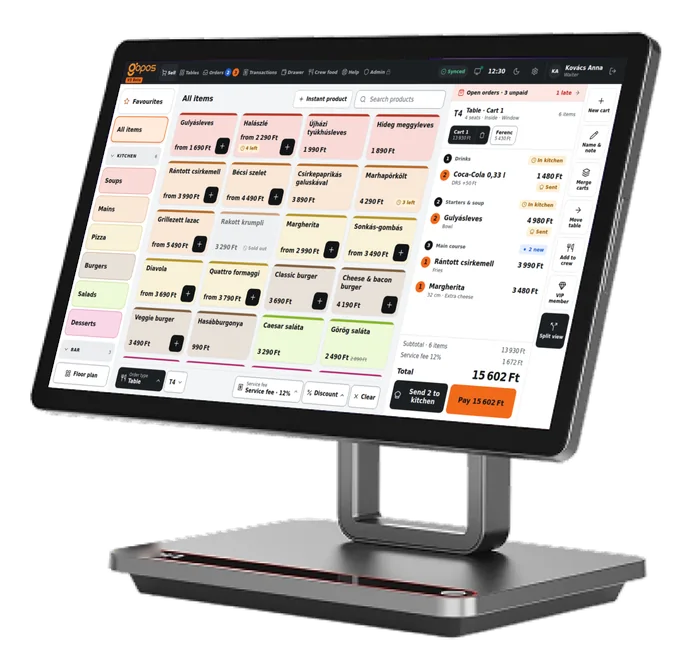
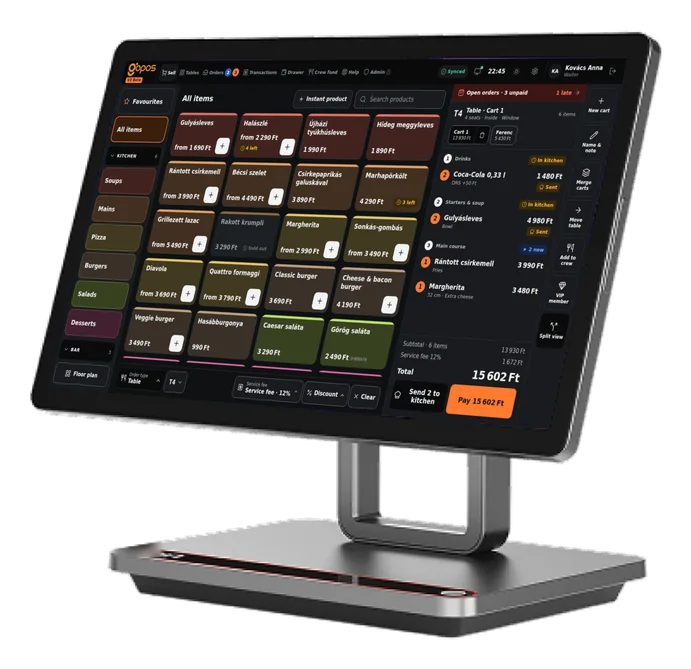
Your team learns one app, wherever they work.
The heart of the counter: it runs the local hub, and every device prints through it.
Another till with the same menu. If needed, it takes over from the main till.
The kitchen gets every item on screen, course by course.
Take orders at the table, on the waiter's phone.
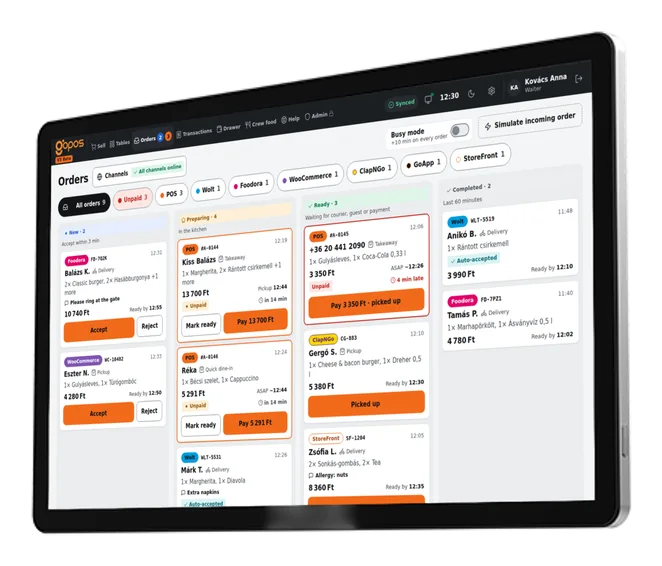
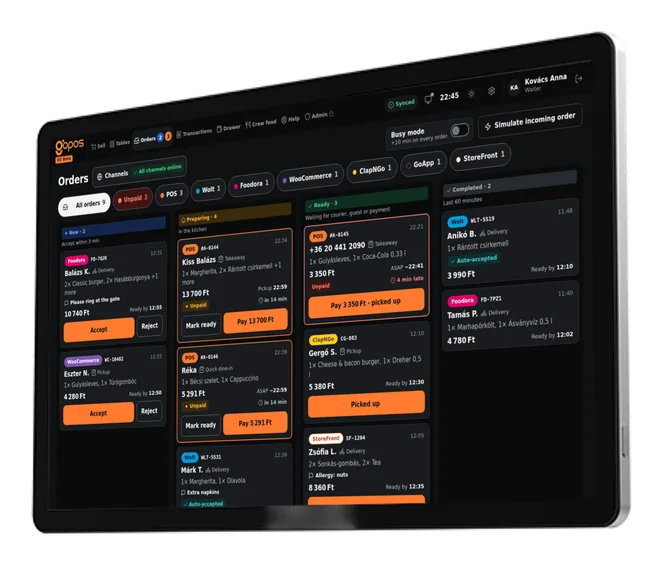
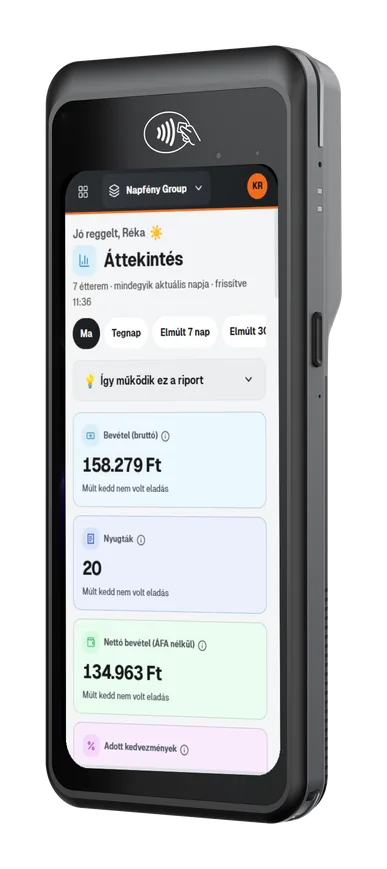
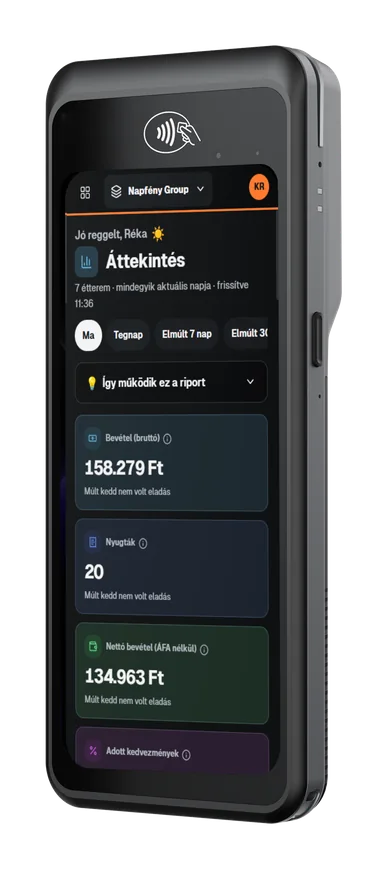
Runs on Android POS tablets and Windows touch terminals, with the waiter app on phones.
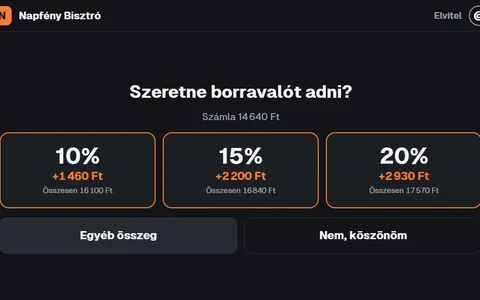
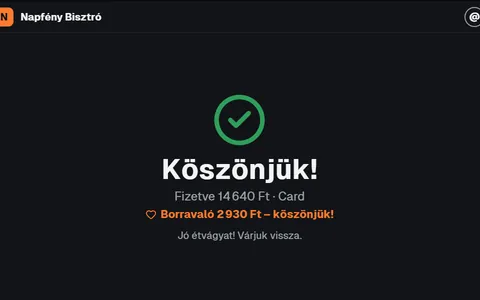
On counter models with a second screen, guests see their cart, pick a tip when paying by card and get a thank-you screen at the end.
With a Teya or HelloPay terminal the amount goes across by itself. Any other terminal works with the amount keyed in.
The main till is the local hub. Every other device connects to it over the local network, not the internet.
It holds your venue's database and runs the printing. Every other device connects to it over the local network.
Selling, sending to the kitchen, the kitchen display, printing and the cash drawer all keep working offline.
Sales made offline wait in a queue and go up to the cloud as soon as the connection is back.
If the main till goes down, a second till takes over the hub role automatically.
The hub runs on the main till. No extra box under the counter.
To be honest: online orders and the card terminal may pause while you're offline. Everything else carries on.
The internet is down. No problem: selling, the kitchen and printing carry on over the local network.
Tap the cloud to bring the internet back.
Orders: 0Queued to sync: 0Lost: 0
Table, takeaway, delivery or open orders: all on one screen.
Table, quick dine-in, takeaway and delivery. Pick a default for each till.
Starters, mains, dessert: the kitchen gets the items course by course.
Open orders for takeaway and quick dine-in, with a pickup time.
Discount an item or the whole order, and add a service charge where it's the custom.
Variations, modifiers, portions and packaging, NTAK-ready.
Categories, variations, modifiers, portions, packaging (eco or plastic, for NTAK), DRS deposit and photos.
Each till keeps its best sellers close, with quick add.
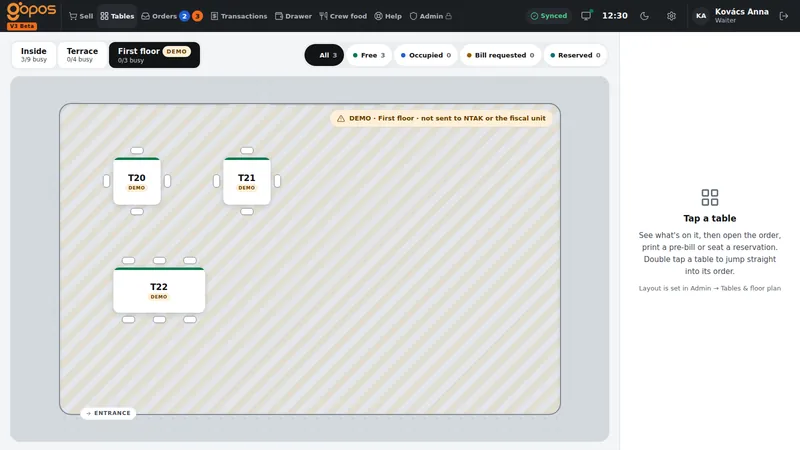
Live table status, several carts per table, merge and move.
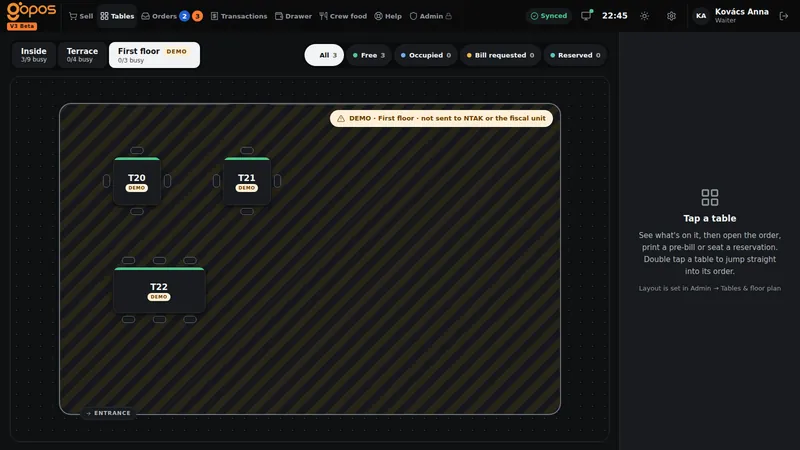
Areas (inside, terrace, upstairs), and one glance tells you which tables are free, occupied, waiting for the bill or reserved.
More than one cart per table, plus merge, move and a split view.
Saved floor plans, plus a demo mode for events and training: those orders never reach NTAK, the fiscal unit or your revenue.
Cash, card, SZÉP card, euros, split bills and tips.
Cash, card, SZÉP card, euros, vouchers and coupons, or a VIP balance.
By guest or by payment method: you just pick.
Issue an invoice to a company, straight from the till.
Take tips at payment. Guests paying by card choose on the customer display.
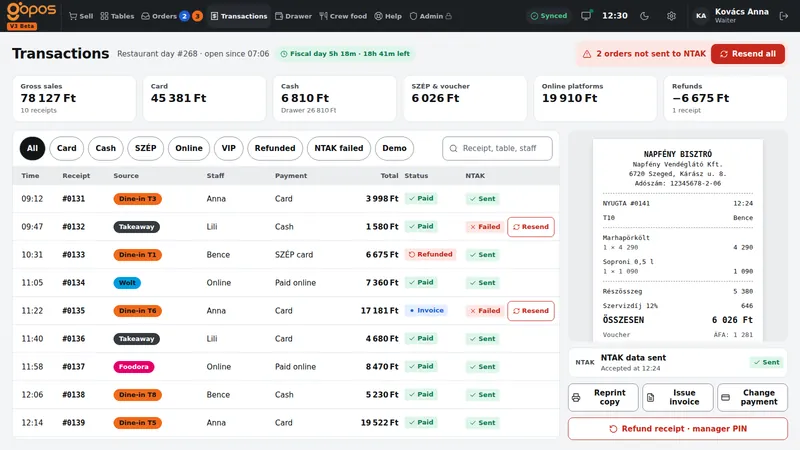
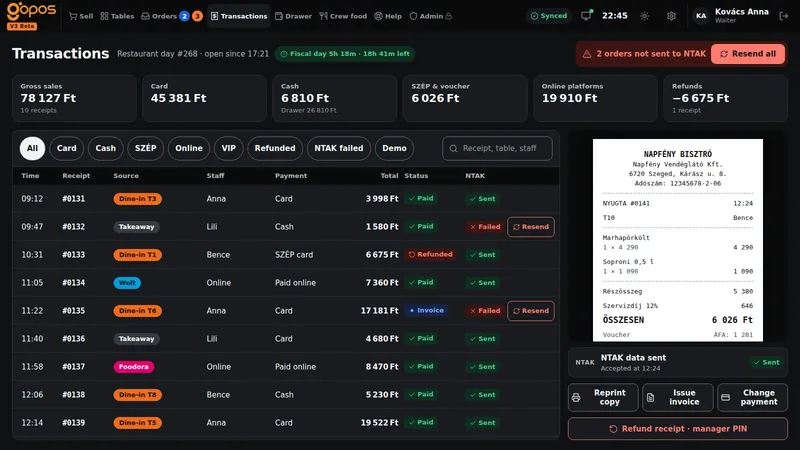
Customer display
On the built-in second screen of counter models: cart, payment, tip choice on card payments and a thank-you screen. When idle, a playlist with a happy hour banner.
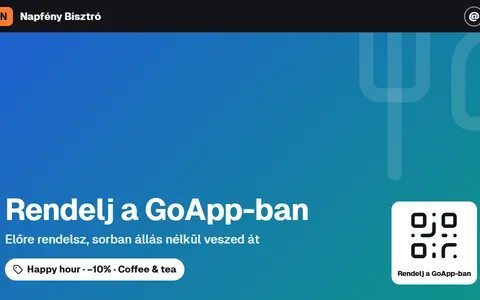
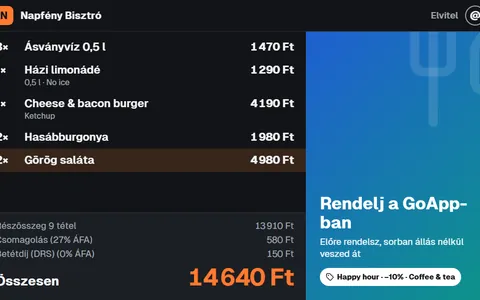
GoApp (own online ordering), shown on the idle and cart screens: Coming soon
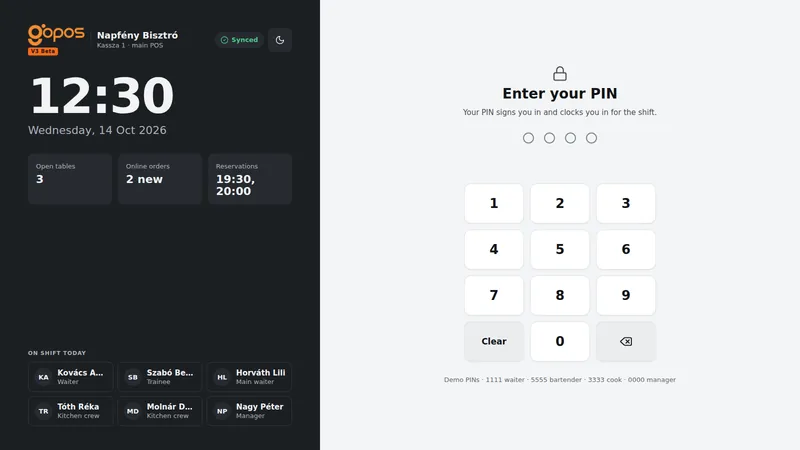
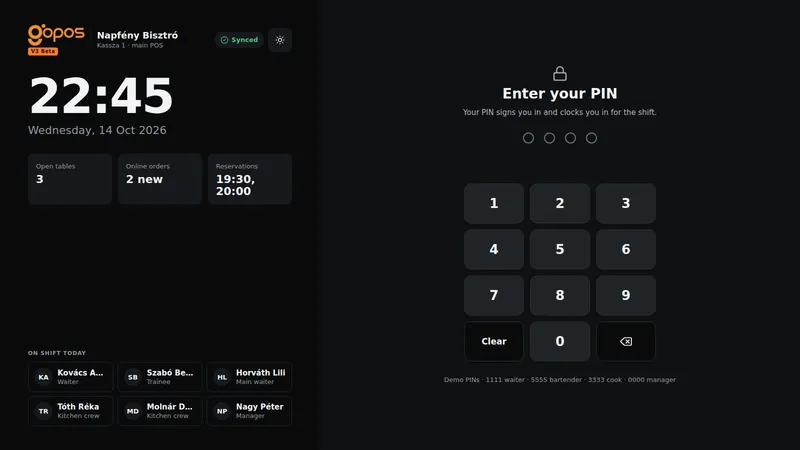
Sign-in, clock-in and permissions in one, with sensitive actions logged.
Signing in with your own PIN also starts your shift.
Voids, refunds and price changes need a manager PIN, and every use is logged.
Decide per person what they can do on the till.
Happy hour, staff meals and VIP balances, as extras.
Scheduled percentage discounts on categories. Set it once and it starts by itself.
With daily limits, no fiscal receipt, and stock deducted.
A prepaid balance for your regulars, one tap at payment.
A new device pairs with one code and downloads everything it needs.
Create a 6-digit code or QR in GoAdmin, type it on the new device, and it downloads the menu, staff, tables and settings. The code is valid for 10 minutes.
Role, network and hub, fiscal unit, printers, card terminal, done.
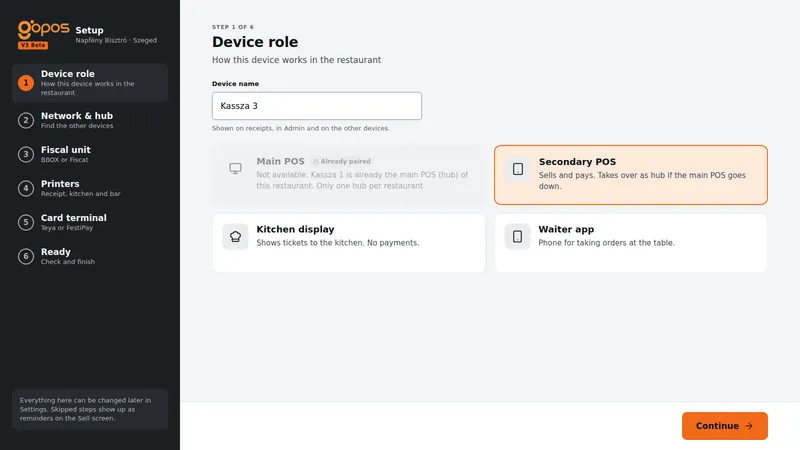
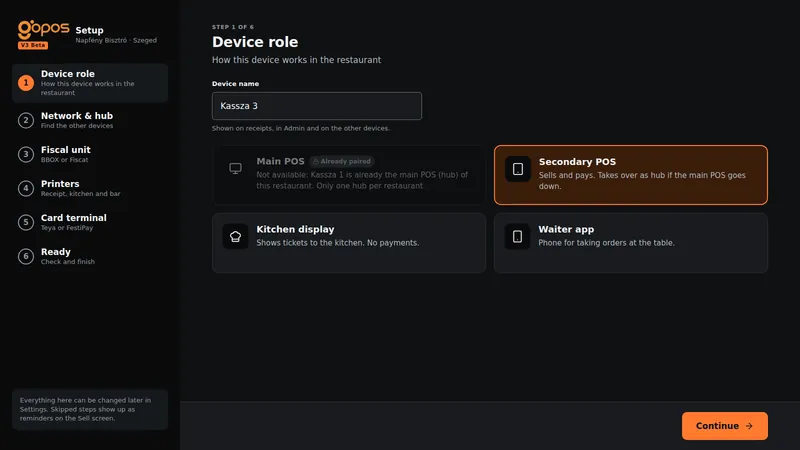
Main till, second till, kitchen display or waiter app.
The device connects to the main till over the local network.
Fiscat or BBOX. Without one, the till runs in training mode.
Receipt and kitchen printers.
Teya or HelloPay, or amounts keyed in by hand.
Bring on the first order.
Whatever the law requires is always free, so no venue is ever blocked from trading legally.
Registration and reporting through the cloud, queued while you're offline. The daily close goes out when you close the day.
Fiscat (USB or network) or BBOX (network), one per till, connected to NAV. Without one, the till runs in training mode and reports nothing.
The right VAT on every item, set up with profiles.
The bottle deposit is handled on the menu.
Opening, closing and the cash drawer, with X and Z reports.
Restaurant day, fiscal day and cash drawer with X and Z reports. You get a warning before the 24-hour rule bites.
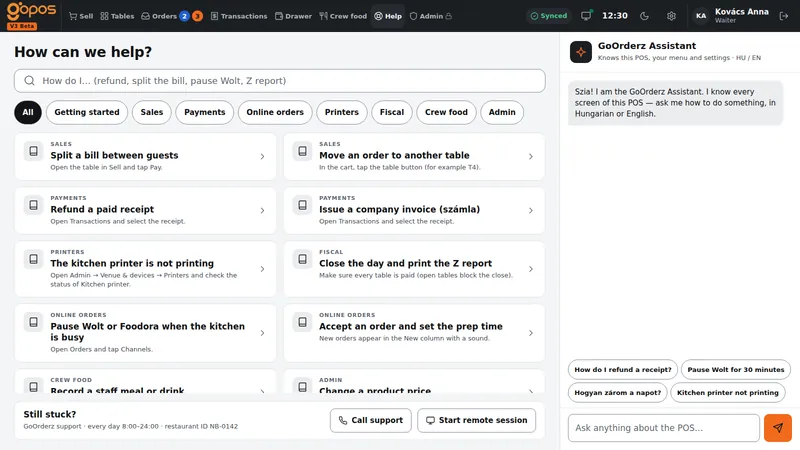
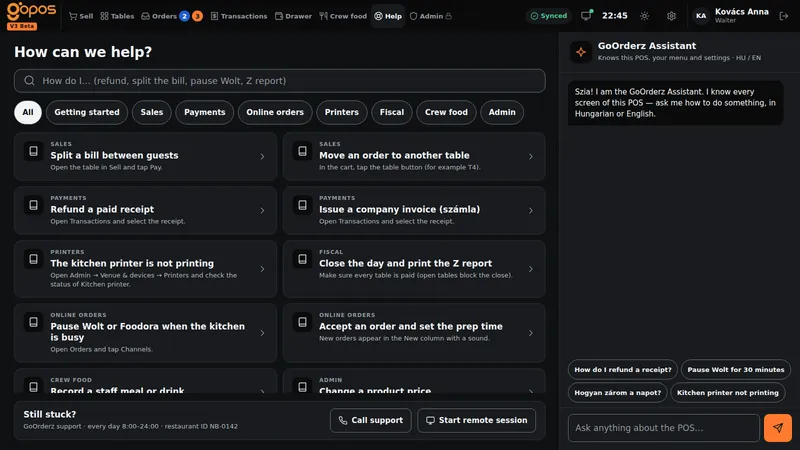
Help and an AI assistant inside the till, in Hungarian and English.
Stuck? Help is right there on the till, in Hungarian and English.
Ask the till in your own words, in Hungarian or English.
Sign up, or ask for a quote and we'll work out how many devices your venue needs.
 Grant information
GoOrderz
Night shift?
Switch to dark?